How much does a contact center system cost? What are the billing models?
Choosing a contact center platform is rarely just a matter of comparing a few monthly prices per agent or the cost of licenses purchase and maintenance fees. The actual cost can depend on the deployment model(public or private cloud, or on-premise), number of users, communication channels, telephony, integrations, implementation, support, and the way licenses are counted. Moreover, choosing process starts with a strategic decision: is the cloud model compatible with my company’s policy, and what is more beneficial for me in the long run – do I prefer CAPEX or OPEX?
Key facts at a glance
- Depending on the provider, the total cost of a contact center system is primarily driven by: the number of users (or interactions), the deployment model (cloud, in-house, or hybrid), integrations, and infrastructure and telecom costs.
- Contact center vendors use various billing models. Licensing is typically based on the number of users (named or concurrent) or actual system usage (phone calls or interactions). Billing based on communication channels is also sometimes used.
- Sinch offers all these models except for channel-based billing; the Sinch Contact Pro license (in-house, cloud, on-demand) is omnichannel.
- Sinch Contact Pro Cloud is based on distinct users accessing the system or number of calls/interaction during a given billing period.
- Sinch Contact Pro (on-premise version) involves purchasing a perpetual license assigned to a user.
- Additional costs like telephony, SIP connectivity, messaging, implementation, integrations, support and infrastructure may affect the total cost.
- How to compare prices? Calculate the total cost of ownership (TCO) over several years, including both recurring fees and one-time expenses.
- To obtain a current quote for a contact center system, please contact Comtrust, an authorized Sinch partner.
There are many factors influencing the total cost of implementing and maintaining a contact center system, and a strategic decision when comparing cloud contact center platforms with traditional on-premise solutions. A system that appears inexpensive when looking only at the license price can become significantly more expensive once infrastructure, maintenance, upgrades, telephony and implementation are included.
At Comtrust, we implement Sinch Contact Pro; since it is available in every possible deployment variant, we will take a closer look at it. One example worth examining is that Sinch Contact Pro is an omnichannel contact center platform available as a cloud service (public and private cloud) as well as an on-premise deployment. Sinch uses different commercial models depending on the deployment option: its cloud service is based on users who access the system during a month or number of interactions, while the on-premise version has historically been offered under a perpetual license model based on named users.
What determines the cost of contact center system?
There is no universal price for a contact center system because businesses use contact centers in very different ways – varying in intensity, seasonality, scale and omnichannel capabilities, including customer service support via human agents and AI assistants. A small support team may need ten agents handling email and telephone calls during business hours. A multinational organization may have thousands of users, multiple languages, 24/7 operations, several business units and sophisticated integrations with CRM and ERP systems.
The following components usually influence the total cost:
- number of agents or users
- number of supervisors and administrators
- deployment model (cloud/in-house/hybrid)
- communication channels
- inbound and outbound voice traffic
- telephone numbers and SIP connectivity
- additional hardware, like call center headsets
- messaging traffic
- reporting and analytics
- integrations with CRM, ERP and other business systems
- implementation and configuration
- training
- support and maintenance
- storage and recording requirements
- redundancy and business continuity requirements.
Due to various aspects and circumstances, it is by no means a simple matter to provide a price list of all services and general, cut-and-dried answer to the straightforward question: “How much does a contact center cost per agent?” While the answer to this question can be useful for an initial comparison, but it does not tell the whole story. However, the system’s pricing is a trade secret and is often not publicly available, only on-demand.
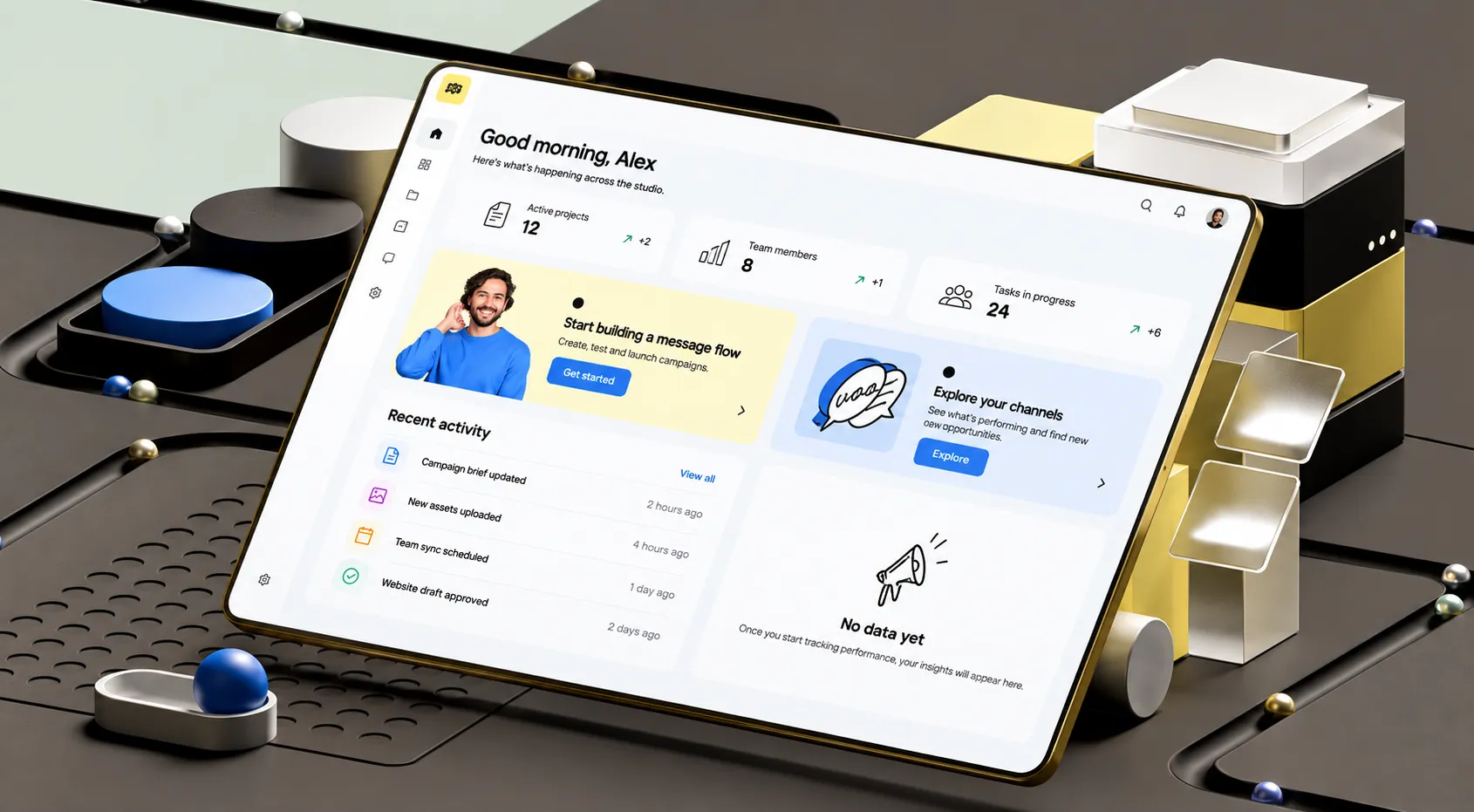
Source: sinch.com
A better approach is to calculate the total cost of ownership (TCO) for the intended operating model. For example, suppose two systems both appear to cost €100 per user per month in the price list. If one includes infrastructure, upgrades and standard support while the other requires separate infrastructure, maintenance and upgrade contracts, the two solutions do not have the same real cost. And even if the cost is similar, the maintenance costs will still differ and be higher if you cooperate with different technology partners
The most common contact center billing models
Contact center vendors use several approaches to pricing. Some products combine multiple models—for example, a recurring platform subscription plus usage-based voice charges.
- Named-user licensing
A named-user model assigns a license to a specific person. If an organization has 100 employees who require access, it purchases 100 licenses regardless of whether every employee uses the system every month. This approach is common in traditional enterprise software and can be attractive where users have stable responsibilities and require continuous access.
The disadvantage is that unused licenses can remain a fixed cost. For example, if 100 licenses are purchased but only 70 agents regularly work with the platform, the organization may still pay for all 100.
This model can nevertheless make sense where auditability, predictable user assignments or permanent access are more important than maximizing utilization. A workaround solution that often works well for customers when downsizing is the option to “park” licenses with the vendor.
- Concurrent-user licensing
Concurrent licensing works differently. Instead of paying for every employee who can potentially use the system, the customer pays according to the maximum number of users working simultaneously.
For example, an organization could have 300 employees who occasionally work in customer service but only 80 are expected to be active at the same time. A concurrent model could therefore require approximately 80 licenses rather than 300.
The main challenge is capacity planning. If too few concurrent licenses are purchased, users may be unable to access the system when demand peaks. If too many are purchased, the customer may pay for capacity that is rarely used. Concurrent licensing is therefore particularly relevant to organizations with shifts, shared workforces or highly variable workloads.
- Usage-based pricing
Another approach is to charge according to actual consumption. Examples include:
- minutes of voice traffic
- number of calls and contacts
- SMS messages
- messaging sessions
- conversation volume
- telephone numbers
- storage
- API usage.
Usage-based pricing can be attractive because costs scale with actual activity. If a contact center handles fewer calls, its variable communications expenditure may fall. If call volumes suddenly increase, however, the bill can rise accordingly. For this reason, a usage-based model should be evaluated using realistic traffic and average call duration forecasts rather than average monthly figures alone.
- Per-minute voice pricing (or interactions per contact)
Voice services are frequently billed separately from the contact center application itself. A contact center platform may provide the software for call routing, queues, agent handling and reporting, while the actual voice connectivity is charged according to telephone traffic.
- Per-channel pricing
Some platforms charge separately for different communication channels. A business might pay one amount for voice, another for chat, another for messaging and another for email or social channels. This can create a modular cost structure: a company only pays for the channels it needs.
The downside is that comparing products becomes more complicated. A platform advertised at a low starting price can become more expensive after several channels and add-ons are included.
With Sinch Contact Pro, you buy all channels at once, because it is designed as an omnichannel contact center, supporting customer interactions across channels such as voice, email, chat, SMS and messaging applications. When comparing different solutions you should check contact center functionality and channels. After all, it is easier to add or even additionally pay for new channels than to seek out new providers.
How is Sinch Contact Pro priced?
Sinch Contact Pro is particularly interesting because the pricing model differs according to deployment models. The actual offer (or price per user) is a commercial quotation prepared by Comtrust, the strategic Sinch partner, individually for every customer.
Sinch Contact Pro Cloud is user-based pricing based on distinct users accessing the system during a month, rather than named seats. It can be particularly relevant for businesses where employees move between customer service and other responsibilities, or where temporary workers and seasonal staff are added during certain periods.
This means the basic calculation can be represented as: Monthly Sinch Contact Pro subscription = number of distinct monthly users × agreed price per user
Sinch Contact Pro on-premise follows a fundamentally different model, in which the customer becomes the perpetual owner of the system rather than merely a user. Sinch in the on-premise version is sold using a perpetual license priced according to the number of named users.
In simplified form the initial software cost = number of named users × perpetual license price
This changes the financial profile considerably. Instead of paying a recurring cloud subscription for monthly users, an organization purchases software licenses for specified users and operates the solution in its own environment (in-house) or through an implementation/hosting partner. Therefore, the organization need to consider the additional costs associated with operating an on-premise contact center. These can include:
- servers and infrastructure
- additional hardware like call center headsets
- operating systems and databases
- network connectivity
- backup systems
- high-availability infrastructure
- security
- software maintenance
- upgrades
- IT administration
- implementation services
- telephony and SIP connectivity.
Cloud versus on-prem: differences in billing models
The difference between these two models is more than a technical deployment decision. It changes the financial structure of the project.
With a cloud contact center, expenditure is generally more operational and recurring. The customer typically pays for a service over time and avoids purchasing much of the underlying application infrastructure. For Sinch Contact Pro Cloud user-based pricing is not based on named users or seats, but rather on the number of distinct users who access the system each month. Sinch provisions and operates the service on 99,95% SLA, while the customer is responsible for its own network and connections.
An on-premise deployment usually involves a larger initial investment related to licences buying and building own infrastructure. The organization owns or licenses the software and is responsible for a larger share of the technology environment. The right way to compare the two models is therefore not only simple “cloud monthly price vs. on-premise license price” but rather total five-year cloud cost vs. total five-year on-premise cost
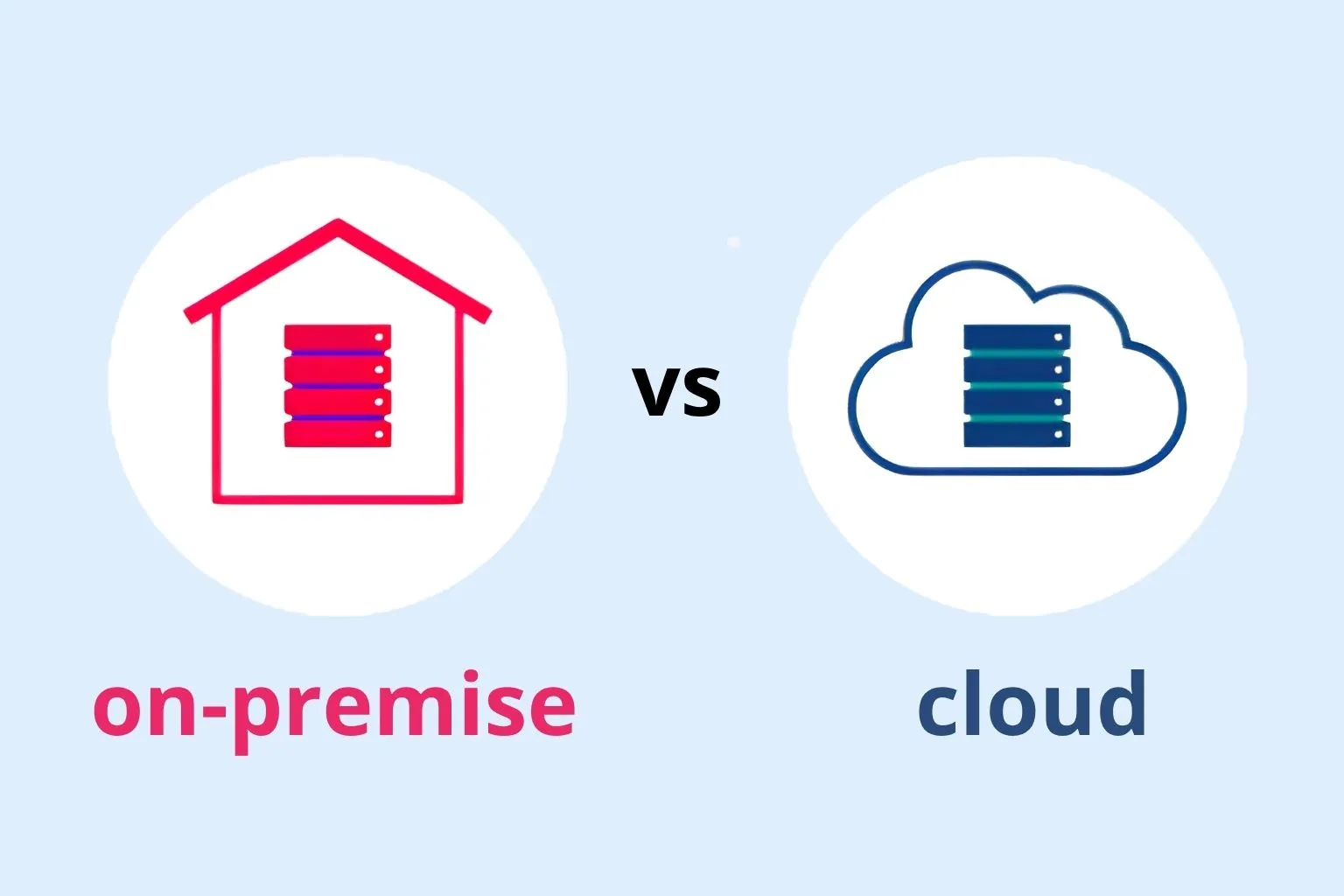
That comparison should include infrastructure, implementation, maintenance, support, upgrades, connectivity and internal IT resources. In business practise we can observe that even if in-house contact center costs are higher than cloud-based solution over a five-year period, organizations in sensitive industry such as banking prefer an on-premises model over which they retain control.
Are there additional costs with Sinch Contact Pro?
Yes. The Contact Pro and any other contact center subscription or license should not automatically be interpreted as the total cost of operating a contact center. There are several responsibilities and components around the platform like for example:
- Communication costs
These can include SIP trunks, telephone numbers, outbound calling (local and international calls), messaging (SMS, MMS, RCS), carrier fees. The exact cost depends heavily on geography and traffic.
- Implementation
Implementation can involve contact center processes and infrastructure design, IVR and queues configuration, routing rules, agent skills, user setup, integrations, dedicated reports, templates, testing and training. The amount of professional services required varies considerably between projects.
- Ongoing support and IT
Cloud customers generally have less infrastructure to operate themselves, while on-premise customers have more responsibility for the technology environment. Typically, the software provider (such as Sinch) is responsible for the operation, maintenance, and monitoring of the cloud service and related infrastructure, while customer responsibilities include network connectivity, integrations and maintaining the configuration.
What is the cost of setup fees?
For a current quotation, the safest approach is to contact Comtrust directly and ask for a detailed breakdown covering:
- subscription / licenses
- implementation
- migration
- integrations
- telephony and messaging
- support and mandays costs
- one-time and recurring fees.
That makes it much easier to compare proposals from different contact center vendors. It is worth remembering that a purely financial calculation is not the whole story; the experience and expertise of the implementation partner also matter. Therefore, it is advisable to verify references and confirm which team will be responsible for the implementation and for maintaining the system afterward.
FAQ
How much does contact center system cost?
The cost of a contact center system depends primarily on the number of users, deployment model and integrations. Contact Center vendors sometimes base costs on communication channels and the call and contact volume. Technical support is usually factored into ongoing maintenance costs, though these are calculated during the implementation phase. Cloud platforms are commonly charged through recurring subscriptions, while on-premise solutions may use perpetual licenses combined with infrastructure and maintenance costs.
For this reason, there is no single price that applies to every contact center and calculation should consider the total cost of ownership rather than only the software license or monthly price per agent. The exact commercial price of Sinch Contact Pro is provided as part of the customer’s quotation prepared by Comtrust.
Z tego powodu nie istnieje jedna, uniwersalna cena obowiązująca dla każdego contact center, a kalkulacja powinna uwzględniać całkowity koszt posiadania (TCO), a nie tylko cenę licencji na oprogramowanie czy miesięczny koszt w przeliczeniu na jednego agenta. Comtrust zawsze przygotowuje indywidualną ofertę, gdzie jest wycena wszystkich niezbędnych dla danego wdrożenia elementów.
What are the Sinch Contact Pro pricing models?
Sinch Contact Pro has different licensing approaches depending on deployment. The cloud version uses a recurring user-based model where the billing population are users who access the system during a particular month or interaction volume model in which interaction intensity is calculated independently of the number of users. For the on-premise version, Sinch uses a perpetual licensing model tied to named users. These models have different financial implications and should be compared over the expected lifetime of the solution.
Is cloud contact center software cheaper than an on-premise system?
Not necessarily. Cloud and on-premise solutions have different cost structures. A cloud service generally involves recurring subscription costs and can reduce the customer’s need to purchase and operate application infrastructure. An on-premise solution can require a larger initial investment in licenses and infrastructure, but the financial model may be different over a longer period. The best comparison is a total-cost-of-ownership calculation over several years, including licenses, infrastructure, implementation, telephony, support, upgrades and internal IT resources.
What additional costs should be included when budgeting for a contact center?
A complete contact center budget can include: software or cloud subscription, user licenses, telephony and SIP connectivity, telephone numbers, SMS, MMS, RCS and messaging, Implementation and CRM and other integrations, call recording and storage, reporting and analytics, training, technical suport, infrastructure, for on-premise deployments, upgrades and maintenance and internal IT resources. Looking at all these elements provides a more precise and reliable estimate than comparing software license prices alone.
Is contact center pricing usually per user or per interaction?
Cloud Sinch Contact Pro uses both models: the first is based on the number of users and the second one is based on the number of interactions. In contrast, the traditional (on-premise) model uses “per-user” licensing (a one-time fee for each employee or user with access to the system).For this reason, a contact center quotation can contain both fixed recurring costs and variable usage-based costs.
How much does it cost to implement a contact center?
Implementation costs vary considerably depending on the complexity of the project. A straightforward deployment with standard configuration can require less professional services than an enterprise implementation involving multiple countries, complex IVR and routing, CRM integration, data migration, custom reporting and extensive testing. Implementation should therefore be requested as a separate line item in the quotation rather than assumed to be included in the software subscription.
What should I ask for in a contact cetner quotation?
A detailed quotation should clearly state:
- number of billable users or interactions
- cloud or on-premise deployment
- subscription or license fees
- implementation and integrations services
- support and service levels (SLA)
- access to updates and upgrades
- recording and storage (including GDPR compliance)
- software development plans (roadmaps)
- future costs of cooperation calculated in “man-days” and optional support fee
- one-time and recurring charges
- contract duration
- conditions for changing the number of users.
This makes it easier to calculate the cost of the solution – covering both the purchase price and future maintenance – and to compare it with alternative contact center platforms.
What is the most important thing to consider when comparing contact center prices?
The most important consideration is how the vendor defines a billable user or unit of consumption and what is included in that price (functionality, channels). For an accurate comparison, calculate should include implementation costs, time and scope and possibility of fixed price or fixed budget.
Author:
Joanna Lisiecka-Pytlakowska
VP Sales & Marketing, Comtrust

Dowiedz się, jak klienci korzystają z naszych produktów i usług. Zapraszamy do kontaktu!


Produkty
SAP Customer Experience
SAP Field Service Management
SAP Conversational AI
SAP Intelligent Robotic Process Automation
Sinch Contact Pro
Infrastruktura VoIP
1trust Service
Usługi
Wdrożenia
Zarządzanie projektami
Integracje i pomoc techniczna
O nas
O firmie
Partnerzy i technologie
Aktualności